| Download Font - |
|
| Click here
to download font for Windows 95/98/NT/2000. |
| |
| Instruction to Install Downloaded
Font - |
|
| 1. Unzip the downloaded file (hindi font.zip) in
a new folder. |
|
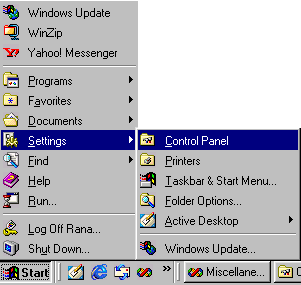
2. Click on Start Menu -> Settings -> Control
Panel.
|
|
|
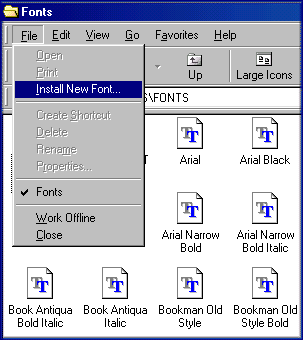
3. Open Fonts and Click of File -> Install
New Font.
|
|
| 4. Select the directory in Which you unzipped the
downloaded file. |
| |
| 5. Select 'ajay_nor' Font from font list and click
on OK. |